Navigating a Site
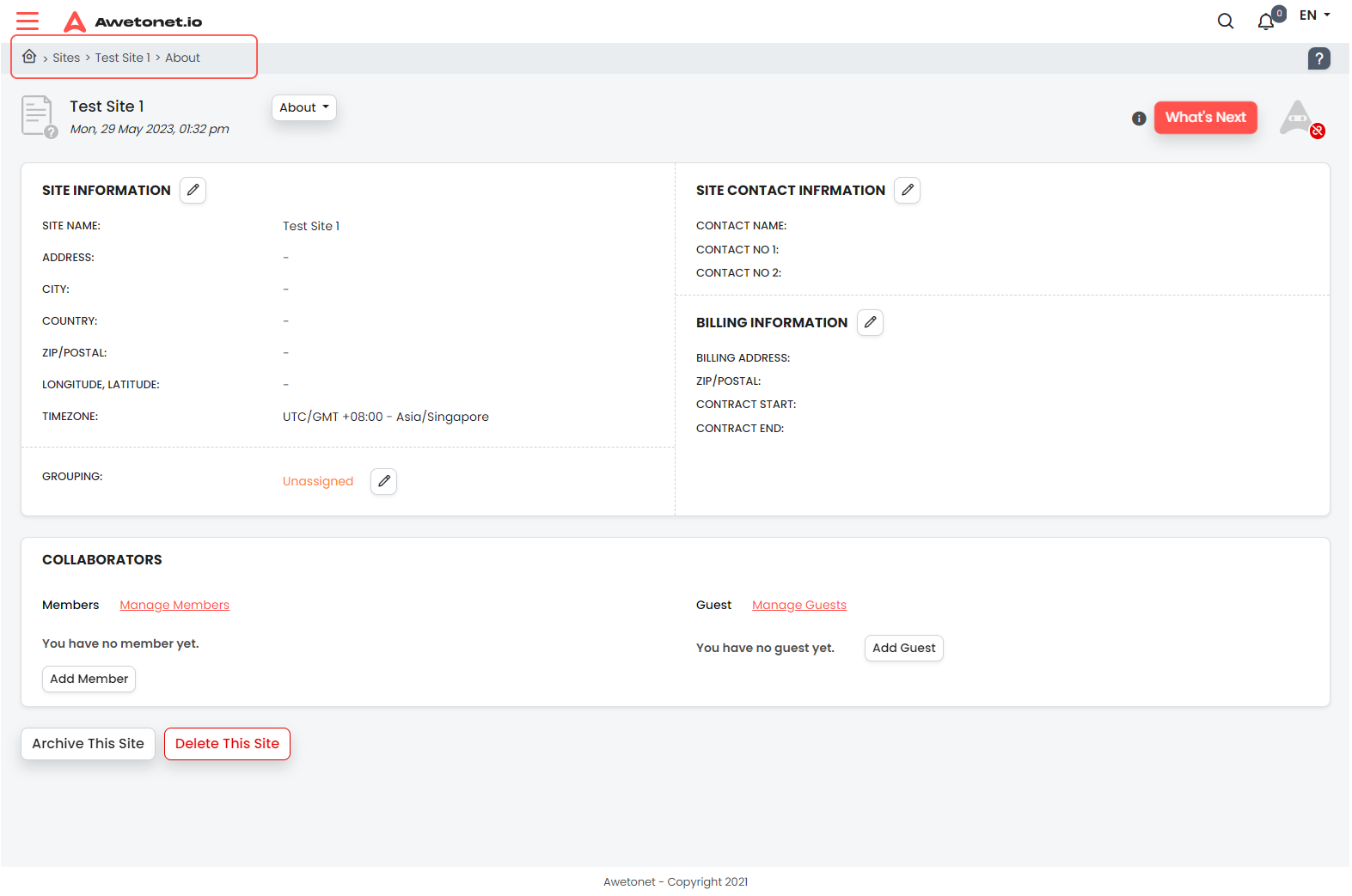
Breadcrumb / Present Working Directory
This path shows which page (of a site) you are currently on
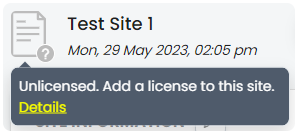
Site License Status
This icon shows the current license status of the site

Clicking on the License Icon will display more information about the License Status. Clicking further on Details will lead to the site's License page
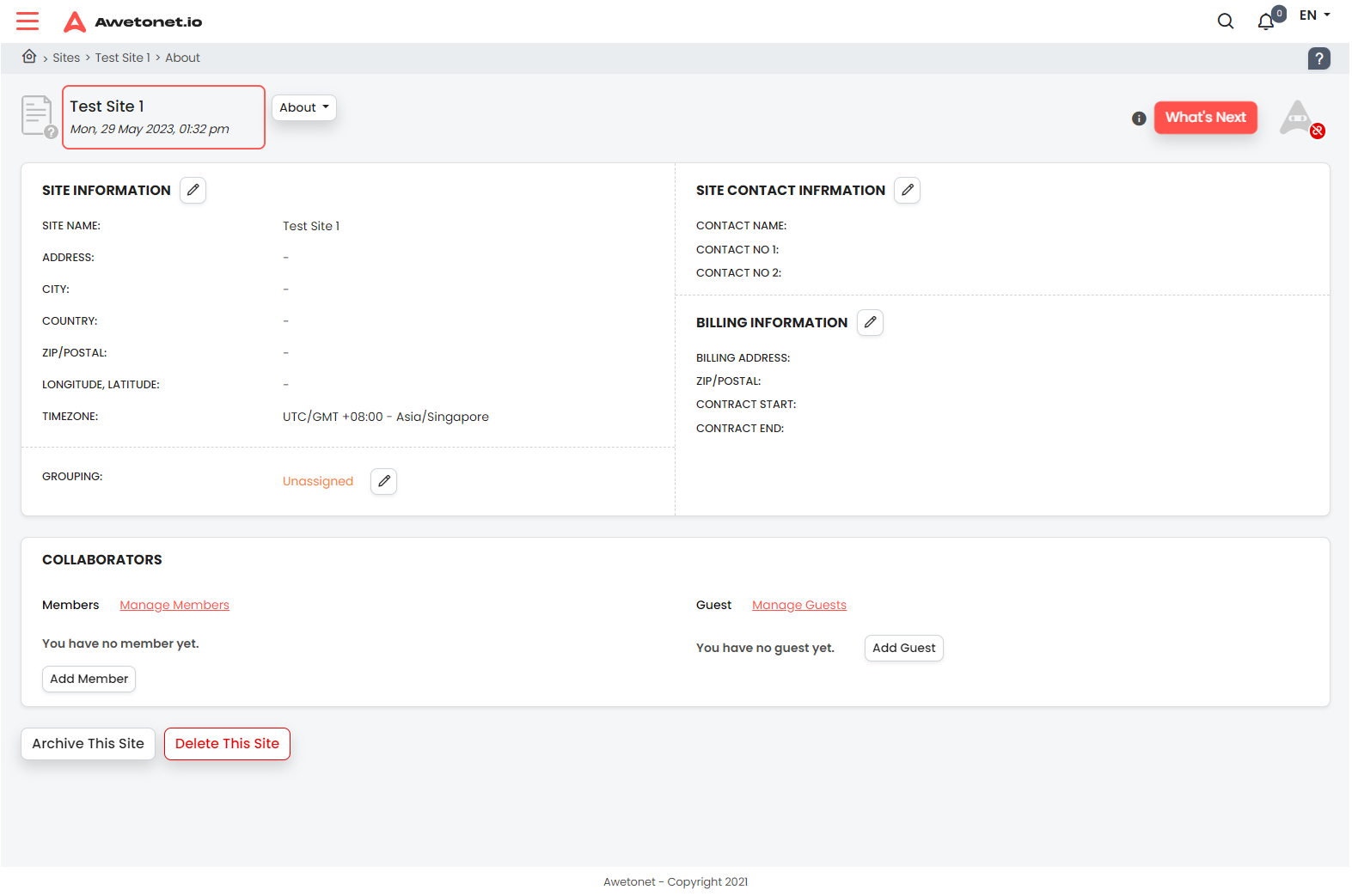
Current Site and Timezone
These shows the site name and the current time of the timezone the site was configured with
Main Navigation within a Site
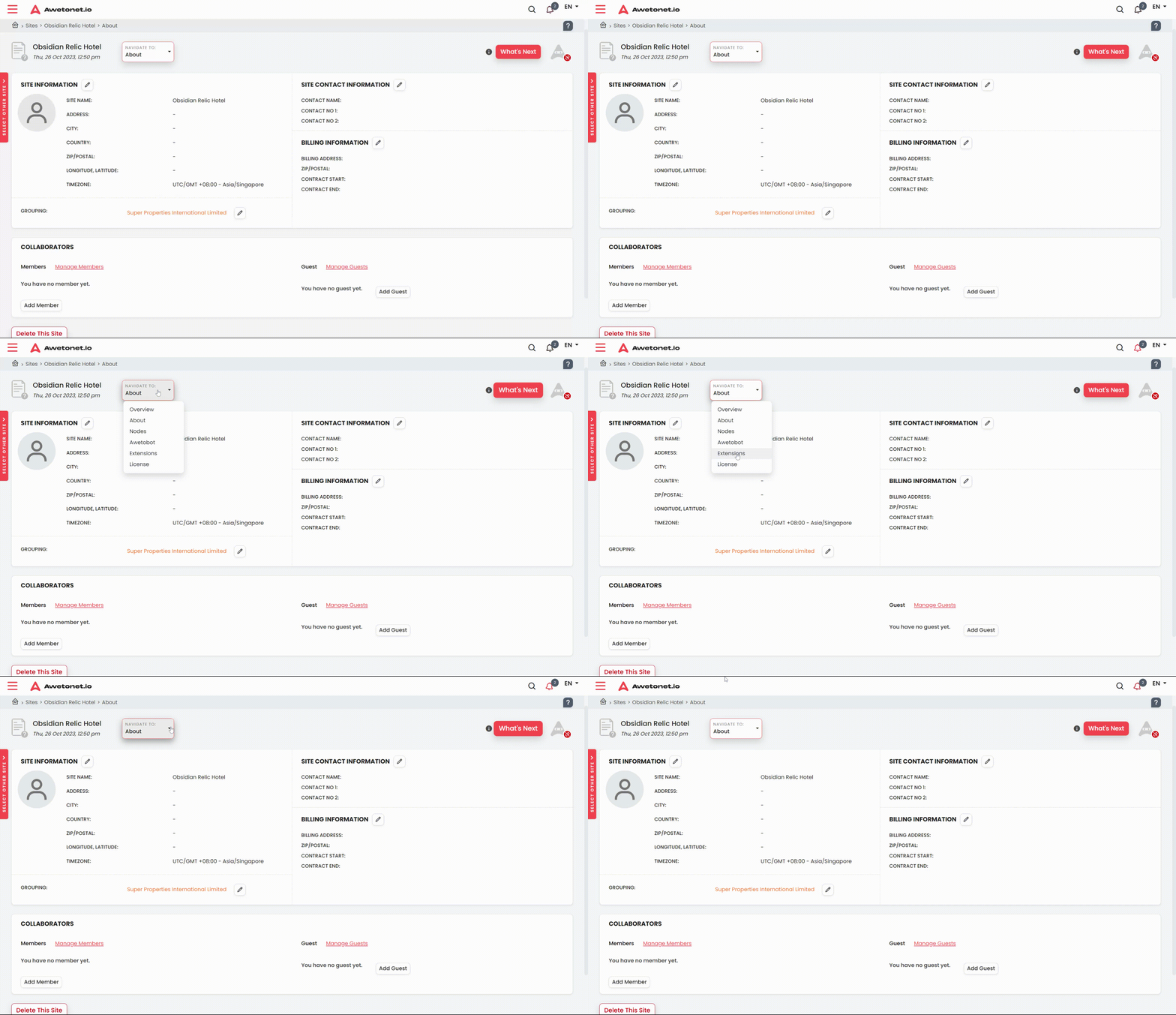
This dropdown menu allows you to navigate to the different services within a site
These options and its corresponding values are unique to per site
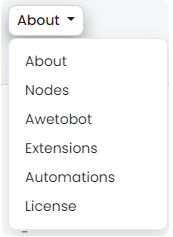
About: leads to the general information about the site which are filled in by the user
Nodes: leads to the Nodes List which contains nodes that are discovered and licensed
Awetobot: leads to all Awetobot related matter, including installation and configurations
Extensions: leads to Extensions and Orchestrators, including configurations
Automations: leads to Automations which are applicable to Nodes and Extensions
License: leads to License matters of the site
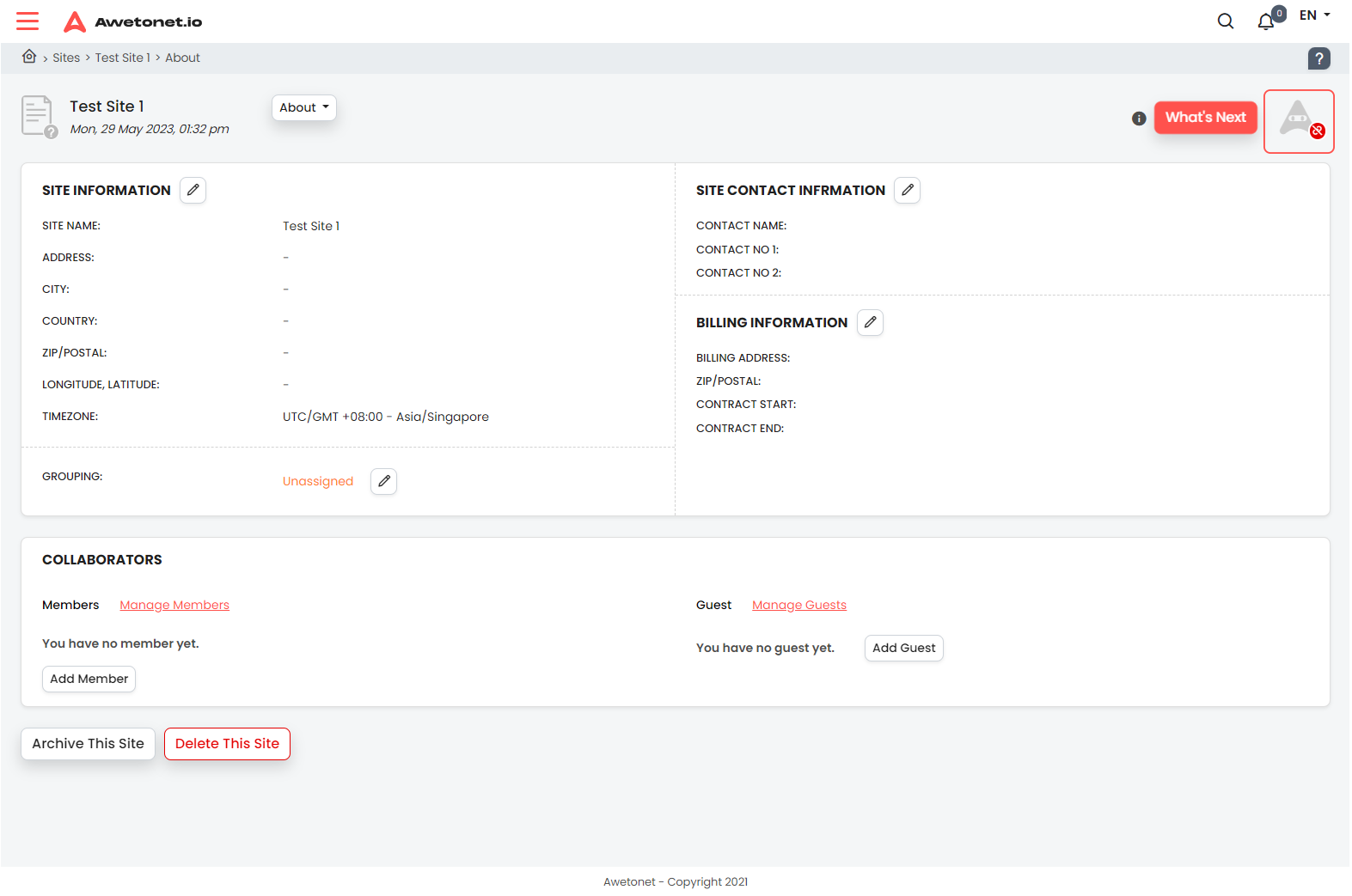
Awetobot Status
This icon displays the current status of the Awetobot. Clicking on this leads you to the Awetobot page for the site