Pairing Awetobot to Site
For convenience, launch the Awetonet.io's Website on your mobile device
On Awetonet.io's Portal, navigate to the Site which this Awetobot will be paired with
Navigate to Awetobot
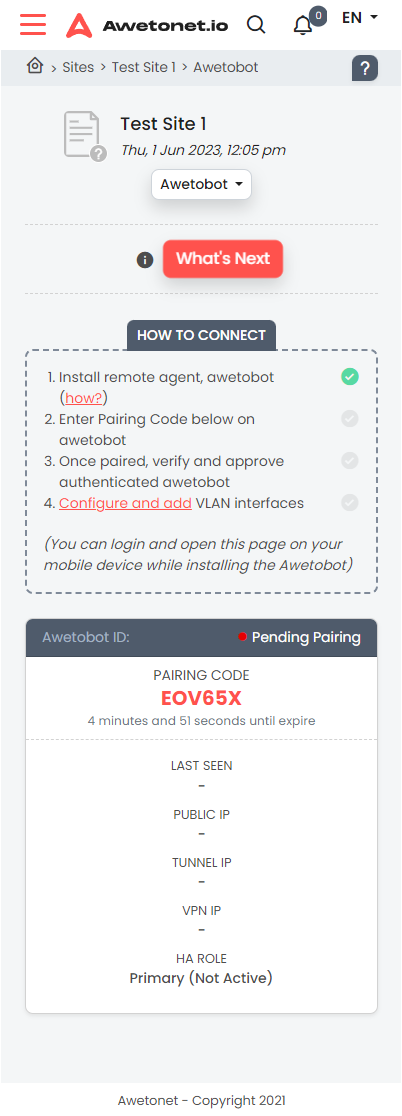
- Key in displayed Pairing Code to the Awetobot Pairing Code screen
Awetobot will identify any required ports that are blocked during pairing. Pairing cannot be completed until all required outbound connections are allowed.
Use the connectivity troubleshooting guide to test each connection and check your firewall configuration.
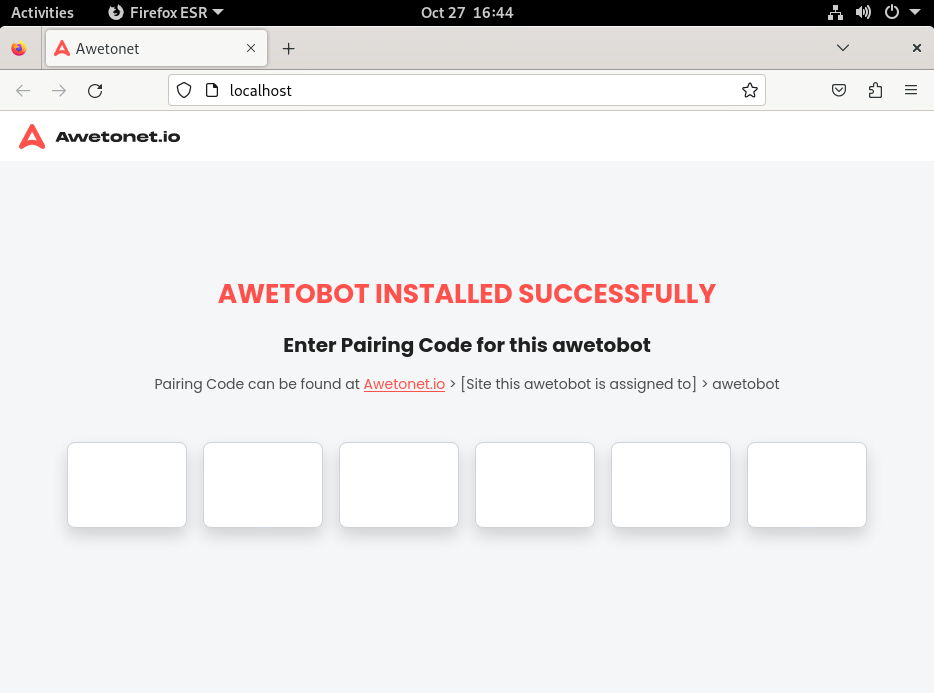
The Awetobot screen will then prompt for an approval on Awetonet.io's Portal
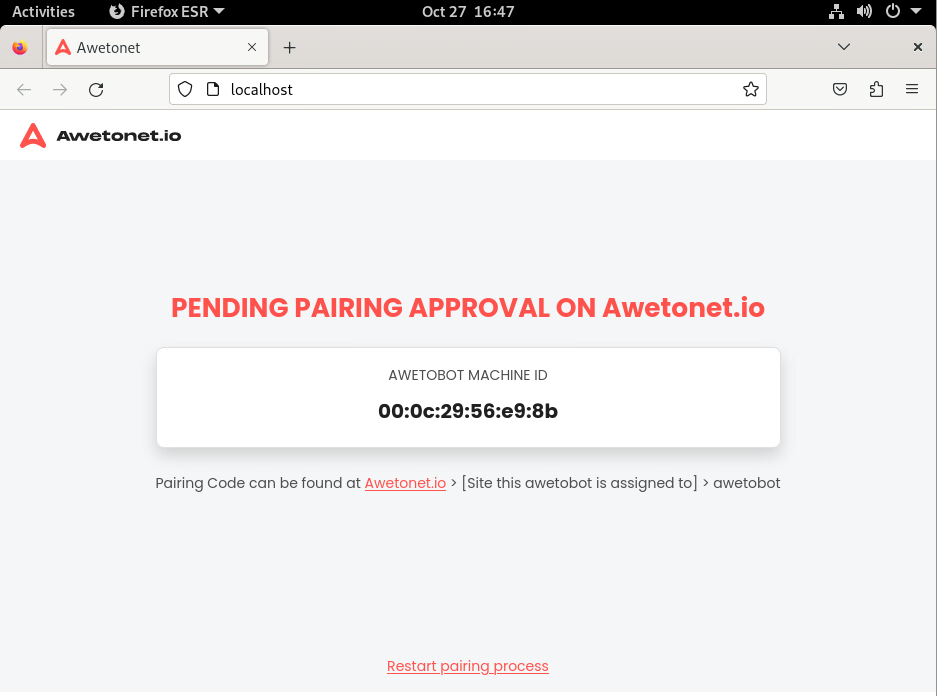
On Awetonet.io's Portal , the Awetobot card will display the same Awetobot Machine ID for Approval. Once verified the machine ID matches, click Approve
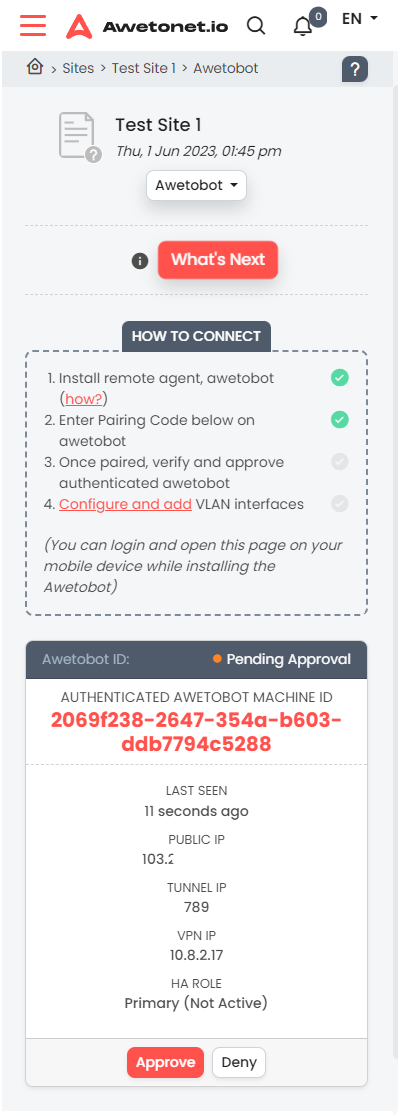
Once approved, Awetobot will begin the pairing sequence
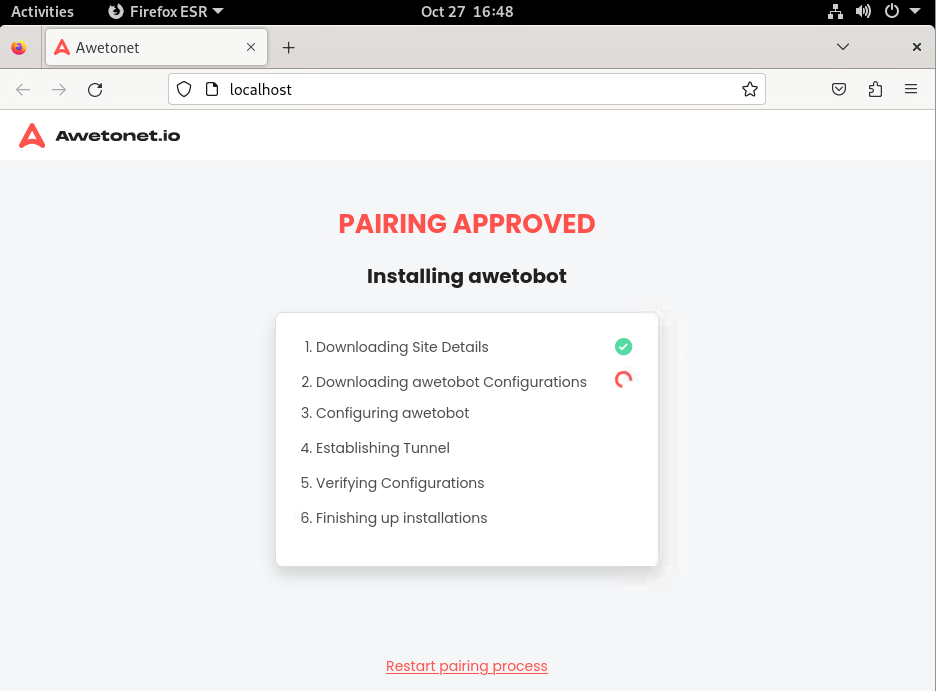
When the Awetobot has completed installation, you will be greeted with a screen asking for a login PIN
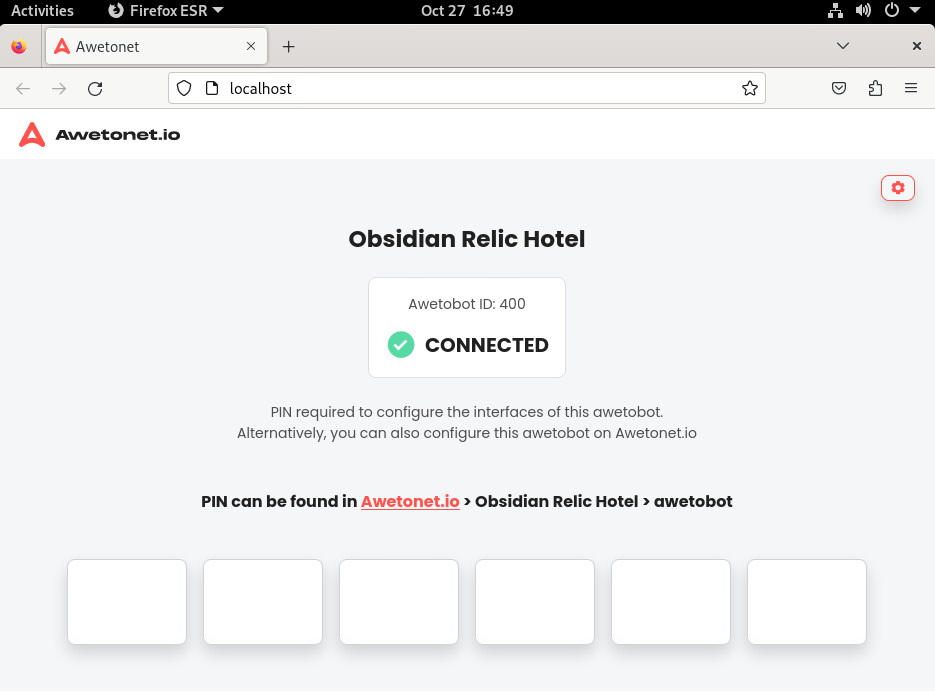
- Awetobot pairing is complete at this stage. It is now synched with Awetonet.io's Portal
- You can now choose to head to Discovery to begin Discovering interfaces or Add VLAN Interfaces to the Awetobot.