The Onboarding Process: Initial Configuration Options
Awetonet.io uses automation to eliminate the setup difficulties typical of legacy enterprise network deployments. To maximize initial deployment speed, the platform replaces static, multi-step configurations with a dynamic onboarding interface that provides distinct configuration choices.
Immediately following account verification, users choose an initial option based on their organizational role and immediate objectives.
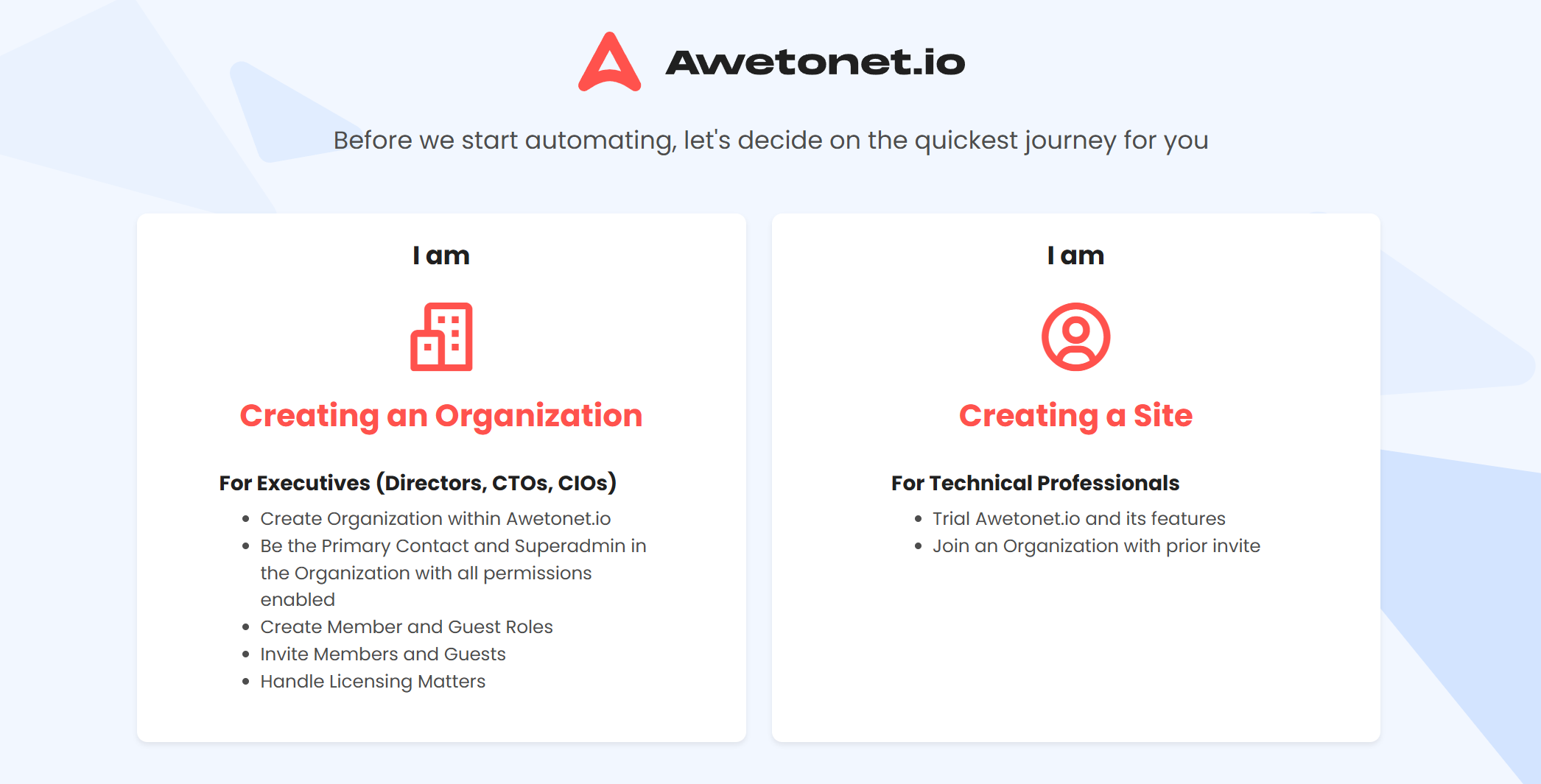
🏢 1. The Creating an Organization Path
Target Audience
- Executives: Directors, CTOs, and CIOs.
Configuration Focus & Objectives
Optimized for high-level administrative setup rather than direct hardware management. Selecting this option provides immediate administrative authority to establish the root corporate environment:
Tenant Initialization: Creates the foundational Organization container within Awetonet.io.
Superadmin Authority: Establishes the user as the Primary Contact and root Superadmin for the Organization, enabling all system-wide permissions.
User Access Management: Provides immediate capabilities to create customized Member and Guest Roles, along with the permissions to invite internal team members and external stakeholders.
Commercial Governance: Provides direct access to manage licensing, resource allocation, and financial compliance.
🛠️ 2. The Creating Site Path
Target Audience
- Technical Professionals: System architects, network engineers, and field deployment teams.
Configuration Focus & Objectives
Designed to bypass global administrative configuration and accelerate immediate technical tasks. Selecting this option directs operational personnel straight to the core collaboration environment:
Immediate Feature Evaluation: Allows engineers to quickly test Awetonet.io and its core automation features in an active deployment environment.
Direct Access to Existing Environments: Enables technical professionals to quickly join an existing Organization via a previously received invitation link, eliminating manual user configuration delays.
Site-Focused Execution: ccelerates the deployment of individual functional units (Sites) so teams can begin discovering local networks and managing infrastructure immediately.