Nodes
Nodes is where you view and work with the equipment associated with a Site.
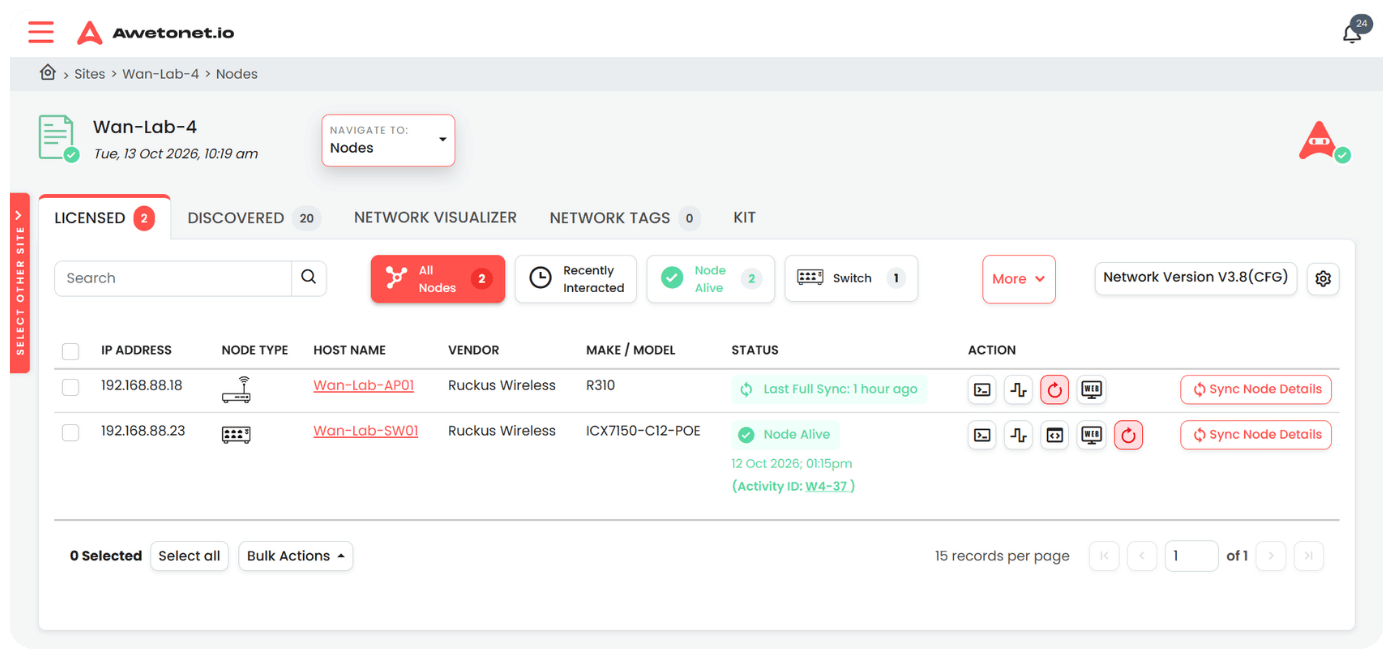
It brings together device information, discovered equipment, network connectivity, tags and tools for network operations. The available information and actions depend on the node and your assigned permissions.
Nodes tabs
The Nodes page contains five tabs. Each serves a different purpose.
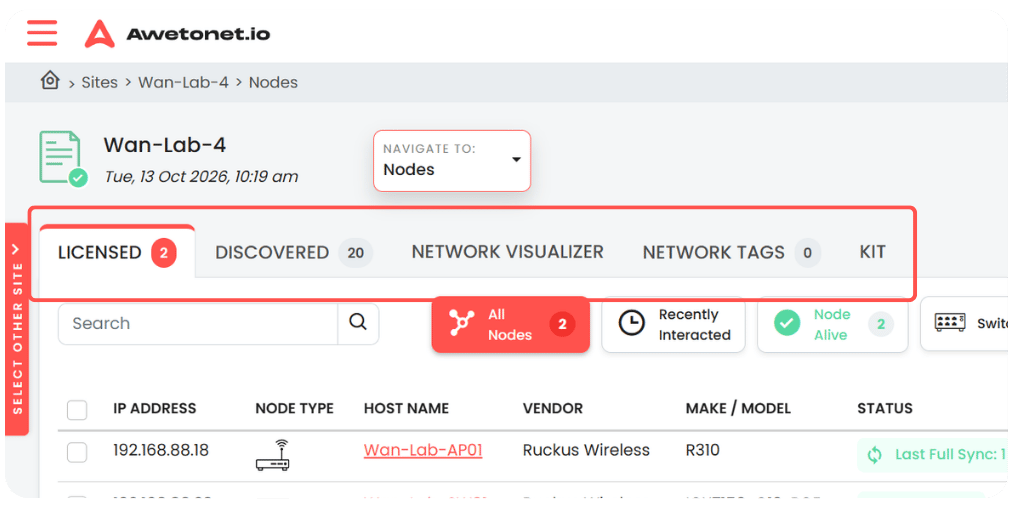
Licensed
Licensed contains the nodes that have been licensed for use with Awetonet.io.
These nodes provide equipment information and access to the actions supported for each node. This is where you work with the network equipment managed through Awetonet.io.
See Licensed for more information.
Discovered
Discovered contains nodes found during network discovery across configured subnets and IP ranges.
Use this tab to review equipment discovered on the network and identify nodes that may need further attention.
See Discovered for more information.
Network Visualizer
Network Visualizer displays a visual representation of network connections based on LLDP information.
Use it to understand how supported network devices are connected and to help trace connections between equipment.
The connections shown depend on the LLDP information available from your network devices.
See Network Visualizer for more information.
Network Tags
Network Tags lets you manage labels assigned to nodes.
Tags help you organise equipment into meaningful groups and make it easier to identify nodes by their role, location or other relevant characteristics.
See Network Tags for more information.
Kit
Kit contains tools that may be useful when operating and maintaining your network.
These tools provide additional ways to investigate or work with your network without having to leave Awetonet.io.
See Kit for more information.
Permissions
Access to information and actions within Nodes is controlled by your assigned role.
Depending on your permissions, you may be able to view information, make changes or perform specific network operations.
If you cannot see a tab, button or action, your assigned role may not have the required permissions. Contact the Site owner to request a role with the necessary privileges.